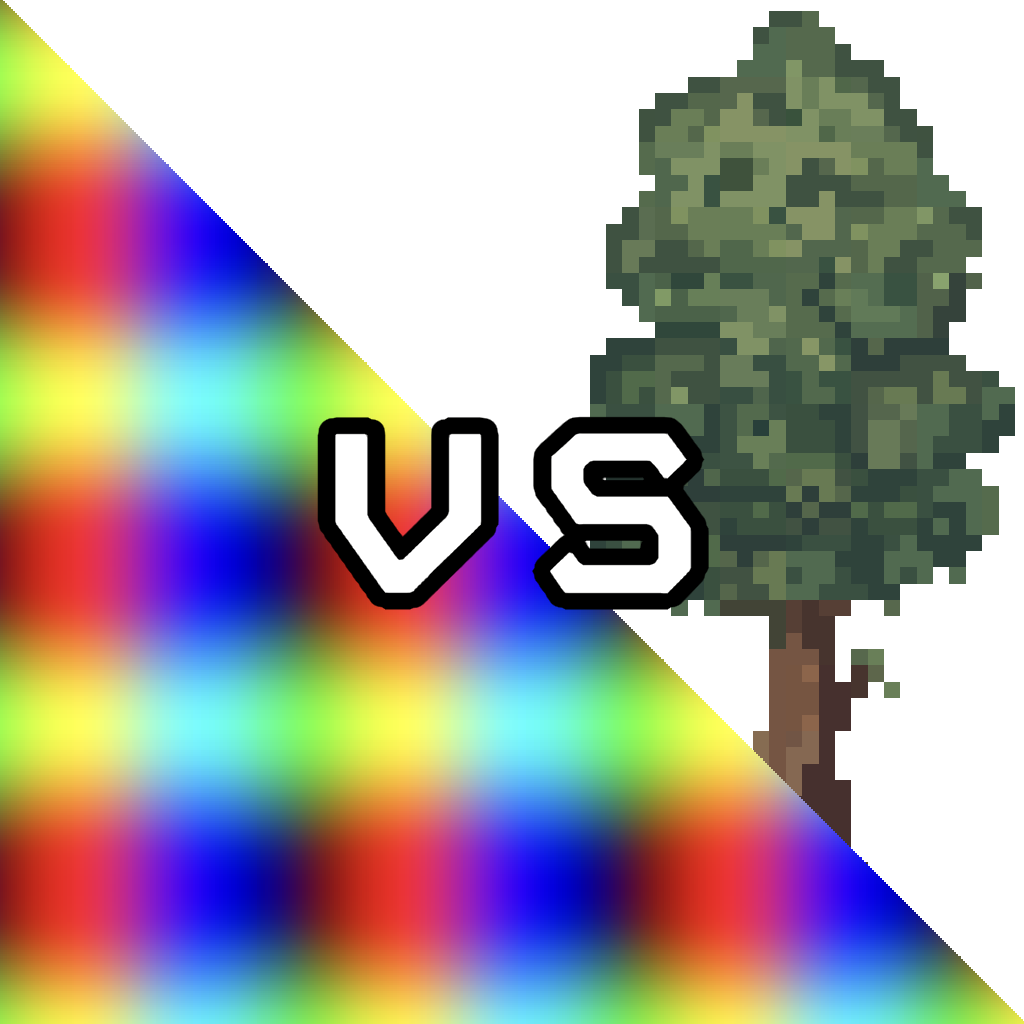
Unity’s UI system provides two very similar components: Image and RawImage.
The main difference is simple: Image displays Sprites and RawImage displays Textures.
A Texture is the basic image data in Unity. It’s simply a bitmap that can be used on materials, meshes, or UI elements. A Sprite is a texture with additional metadata used by Unity’s 2D and UI systems, such as pivot information, borders, and slicing data. In practice, a sprite is a texture packaged with extra information that makes it better suited for UI workflows.
Sprites are the standard format for most UI graphics. When you import icons, backgrounds, or other interface artwork, they are typically used as sprites. The Image component is designed around this and supports features like slicing, fill methods, and sprite atlases. You can assign a sprite to an Image component via drag-and-drop in the inspector, or within a C# script:
imageComponent.sprite = yourSprite;
RawImage works directly with textures, which makes it ideal for dynamically loaded images (that are never converted into sprites) and content generated at runtime, such as
Similar to above, a RawImage component can receive its texture via the inspector or programmatically:
rawImageComponent.texture = yourTexture;
For your own Unity project you are best advised to choose Image when working with sprite-based UI assets, and use RawImage when you want to display a texture directly, especially if it’s generated or managed at runtime.
An example for a usecase of RawImage is dicussed in this post: **Link zu anderem Post**